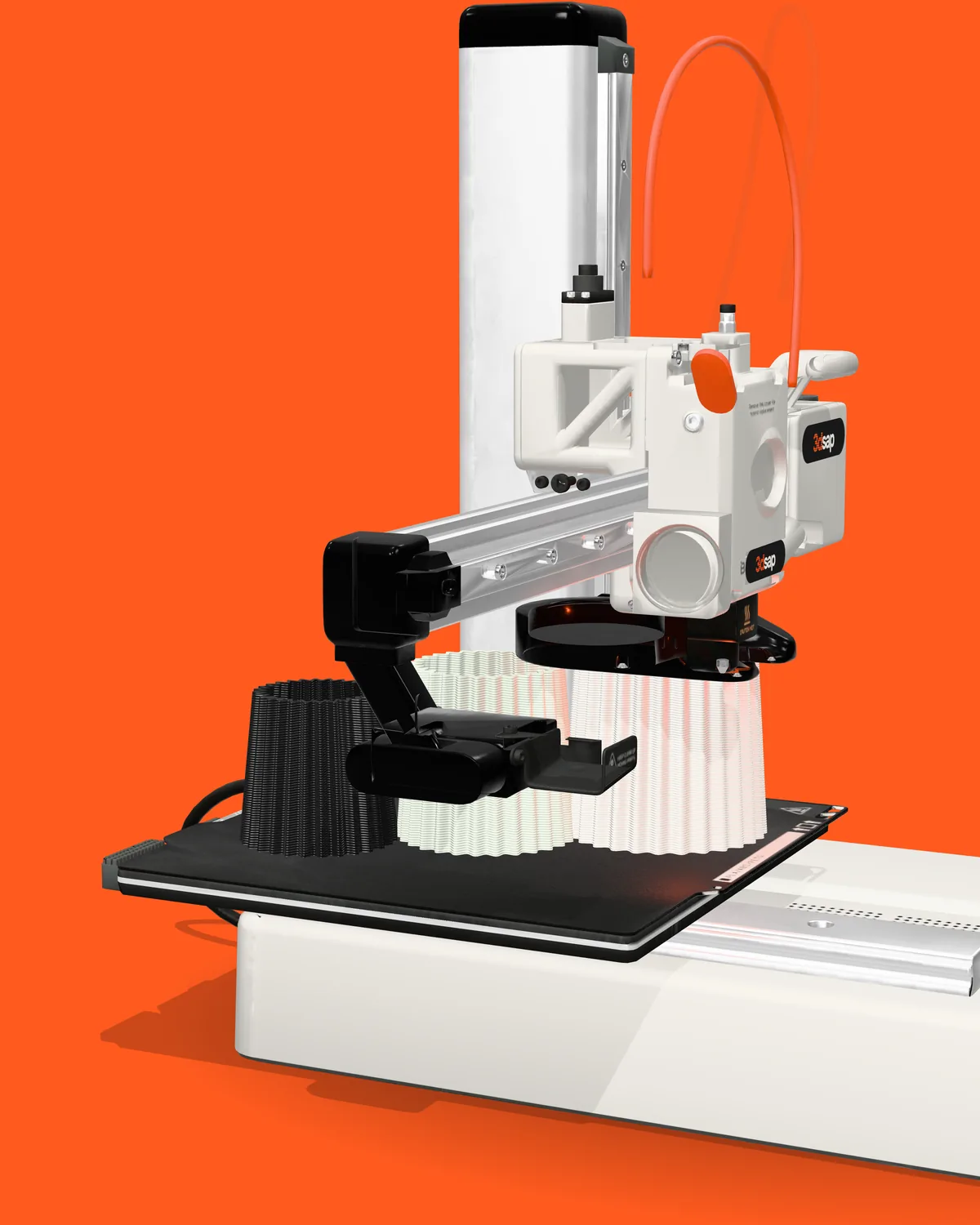
How a 3D printer works: one vase from file to last layer
The slicer sets the walls and layers, and the printer lays them down line by line. Whether a 3D printed vase holds water depends mostly on the walls and the seam.
Read the article
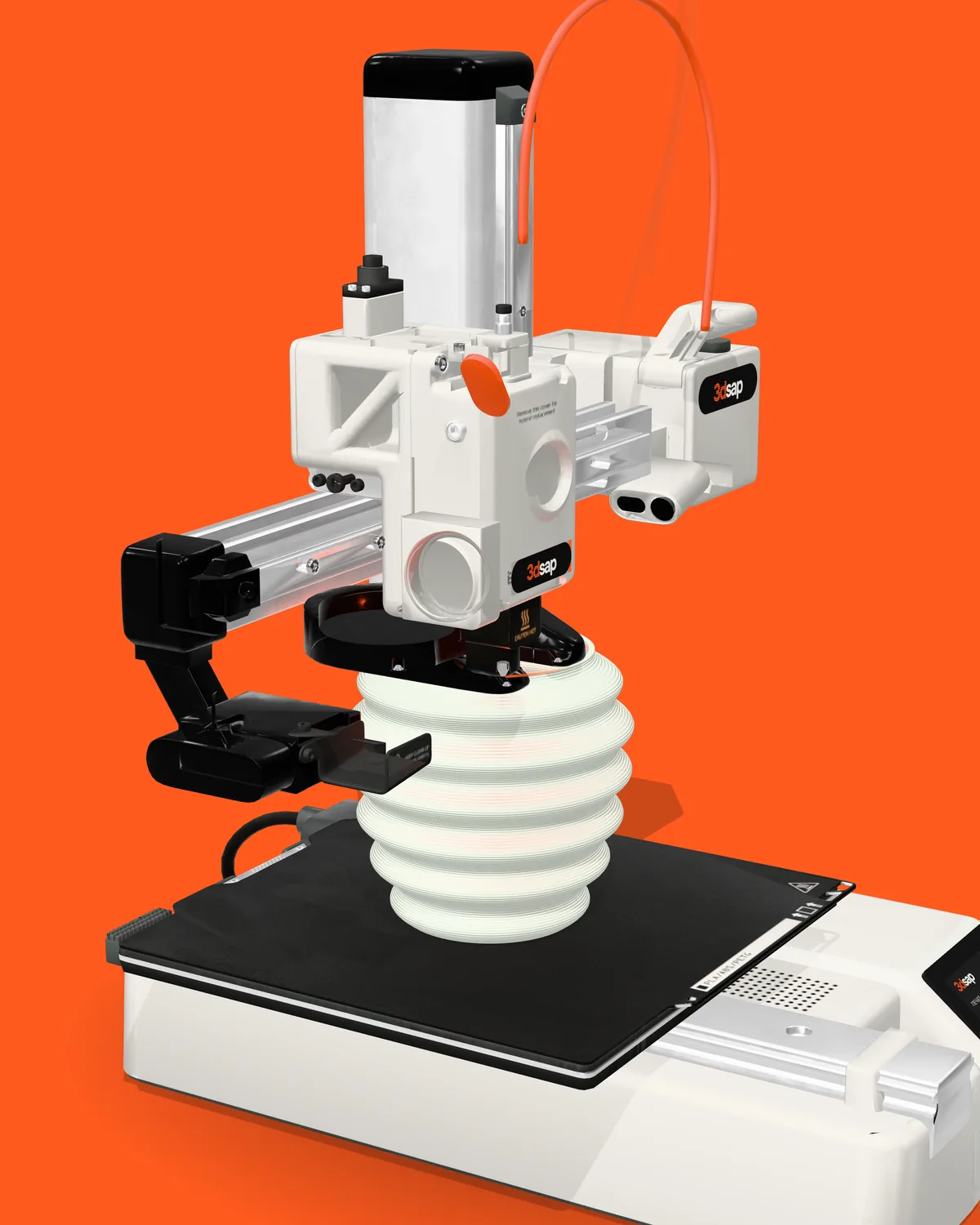
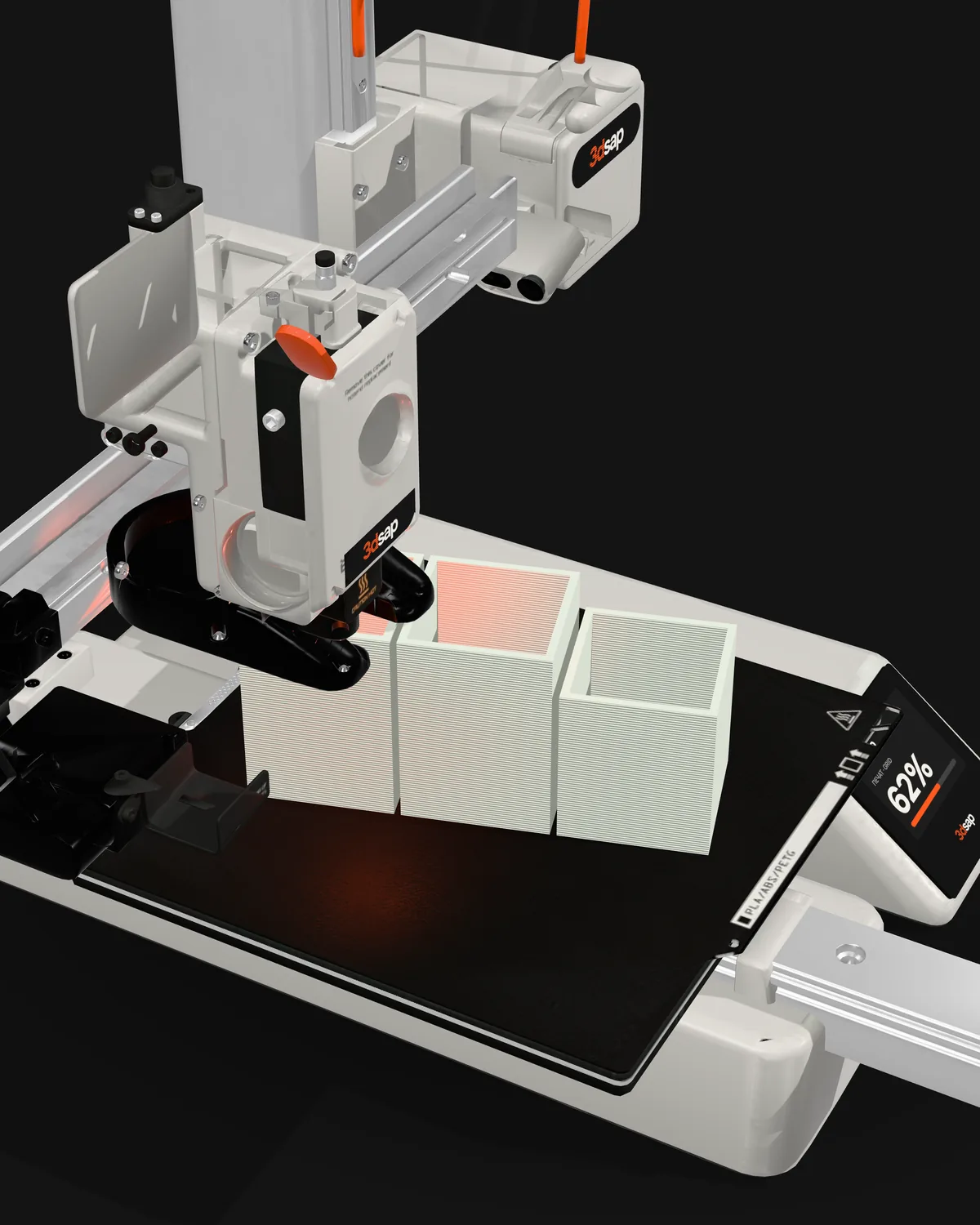
Euro prices for the two printers we print on, what filament, power and upkeep cost, and when it is simpler to order the object itself.
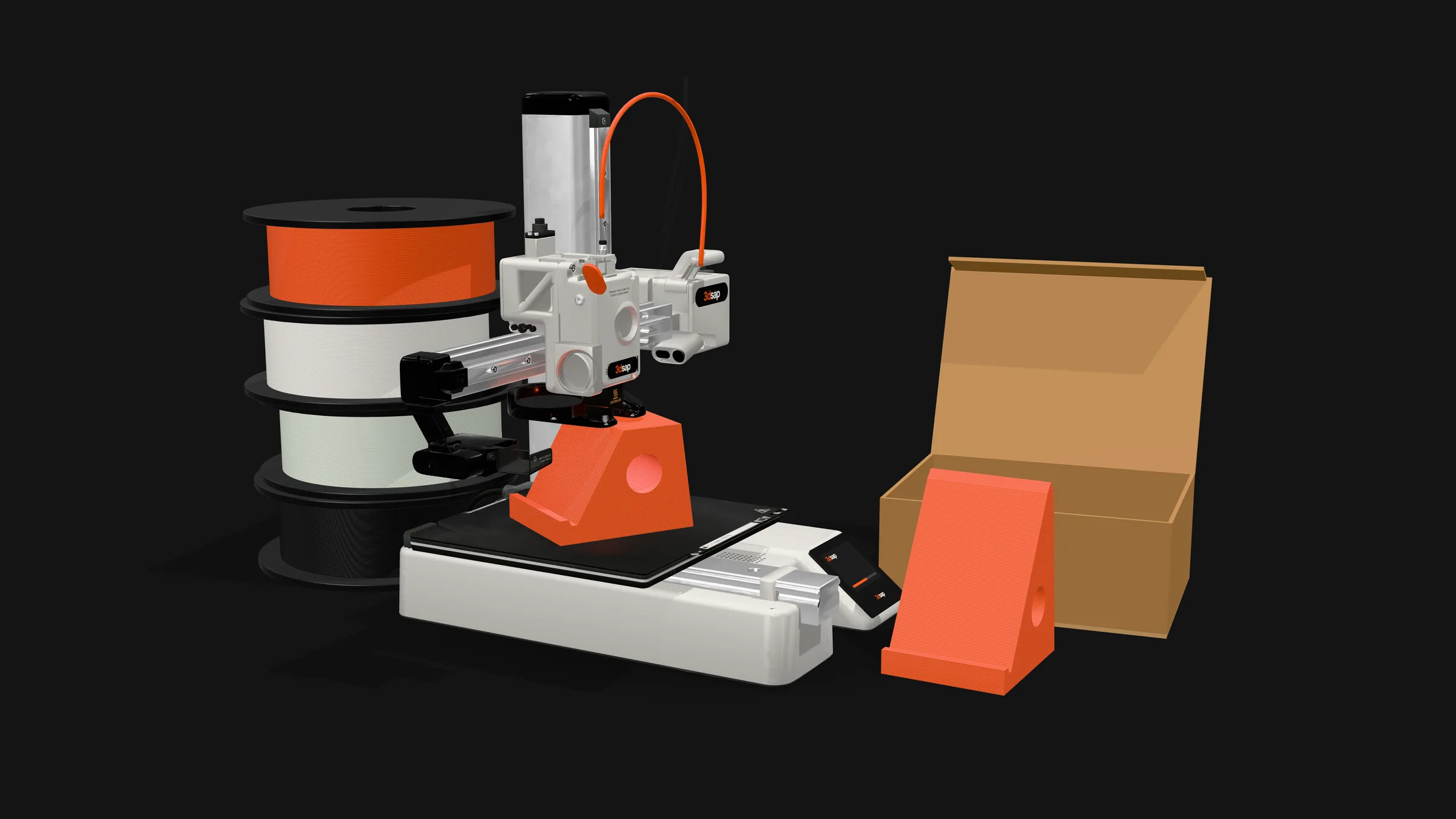
How much does a 3D printer cost, and is it worth it for a few objects? The Bambu Lab A1 mini is 189 € and the A1 is 259 € in Bambu Lab’s European store as of October 8, 2026. Filament and electricity come on top of that, and beyond money a printer takes space, hours of learning and patience with failed prints. We print on these same two printers, the A1 and the A1 mini with an AMS lite, so we are writing about machines we work with.
Prices in euro for the 3D printer alone and for the Combo bundle, which includes the AMS lite:
| Model | Build volume | Price | With AMS lite (Combo) |
|---|---|---|---|
| A1 mini | 180 × 180 × 180 mm | 189 € | 299 € |
| A1 | 256 × 256 × 256 mm | 259 € | 369 € |
All prices in this post are from Bambu Lab’s European store, checked on October 8, 2026; the printers cost the same at 3DJake Bulgaria. The final total and shipping are worked out at checkout for your address, and Bambu Lab’s free shipping does not cover printers or the AMS.
The AMS lite holds four spools and switches the filament by itself during a print. An A1 or A1 mini connects to only one AMS lite, so they print at most four colors in one object. On its own the AMS lite costs 189 €, so a Combo comes out 79 € cheaper than a printer and an AMS lite bought separately: 299 € instead of 378 € for the A1 mini and 369 € instead of 448 € for the A1.
The build volume sets the largest object the printer can make in one piece: up to 18 cm per side on the A1 mini and up to 25.6 cm on the A1.
On June 1, 2026, Bambu Lab also launched the A2L, a printer from the same A series with a 330 × 320 × 325 mm build volume. It costs 379 €, or 489 € with an AMS lite. It, too, takes only one AMS lite.
Filament is the plastic the printer prints with. A 1 kg spool of Bambu Lab PLA Basic or PETG HF costs 19.99 €, and a refill without the spool 16.99 €.
The catch is that filament usually comes in 1 kg spools, one per color. The four slots in the AMS lite mean four spools, that is 79.96 € at the single-spool price (4 × 19.99 €), even if you need only a few grams of each color.
Electricity is the smallest cost. Bambu Lab’s measurements show that the A1 draws 95 W on average when printing PLA and the A1 mini 80 W (75 W with PETG); on standby both draw 4 to about 7 W. Four hours of printing on the A1 is about 0.38 kWh, and at the daytime rate Bulgaria’s energy regulator set for Energo-Pro customers from July 1, 2026, that is a few euro cents.
Upkeep costs mostly time. Here is Bambu Lab’s schedule for the A1 mini:
According to Bambu Lab, regular maintenance also lowers the risk of a failed print.
The first print comes quickly. Bambu Lab says the A1 mini arrives assembled and takes about 20 minutes to the first print. Calibration is automatic: bed leveling, Z offset, vibration and nozzle pressure. The printer checks belt tension itself and tells you when to tighten the belts.
Learning takes longer. The slicer, Bambu Studio in Bambu Lab’s case, turns the file into layers, and you choose walls, infill, supports, plate and material. What the slicer decidesis shown step by step in our post on printing a vase. According to BGR , the learning curve matters more than many beginners realize, and early on you should expect a fair number of failed prints.
If the first layer doesn’t stick to the plate, the print fails right at the start. Bambu Lab’s advice: wash the plate with hot water and dish soap before printing, don’t touch its surface, and pick the right plate type in the slicer. Every failed print costs filament and hours.
Space: the A1 mini measures 347 × 315 × 365 mm and weighs 5.5 kg, the A1 465 × 410 × 430 mm and 8.3 kg. On both, the bed moves back and forth during a print, so leave free space in front and behind, as well as room for the AMS lite and the spools.
Noise: Bambu Lab states that in silent mode both printers run under 48 dB.
Air: NIOSH, the US National Institute for Occupational Safety and Health, cites lab studies showing that desktop filament printers emit respiratory irritants and that filament material and color strongly affect the amount of volatile organic compounds they release. So keep the printer in a room you can air out, and don’t sit next to it for hours.
BGR sums it up: 3D printing starts to make sense when it solves recurring problems. A 3D printer is worth it if:
If you are looking for a 3D printer for beginners, the A1 mini is the smaller and cheaper of the two and is enough for objects up to 18 cm per side. For bigger objects there is the A1, for several colors in one object the Combo, and if you need an even larger build volume, the A2L.
If you are checking how much a 3D printer costs just for one object, ordering is the simpler route in these cases:
Our AMS lite sits on the A1 mini: that is where we print multicolor objects, and the A1 prints the larger pieces in a single color.
With your own printer you can print whenever you like, once you have learned to use it. When you order, making the object usually takes 1 to 2 days after you confirm: if one of our two printers is free we start the same day, and a bigger or more complex object takes longer.
Not sure which material you need? We explain the difference in our post PLA or PETG, and in our reply we will tell you which of the two suits the place where the object will live.
What makes 3D printing cost more or less in general (size, grams, hours, colors) is covered in our post on what drives the cost of 3D printing. You get the price for your object in the reply to your request.
Send the file (STL, OBJ, 3MF or STEP) through the form on the Contact page with the topic “Custom prints”. Say what it is, what size, material and color you want, how many and by when. For an object from the catalog, use the request form on its page.
No file? Take a ready-made model from MakerWorld, Printables or Thingiverse and send us the link to it. You can model a simple shape yourself in Tinkercad, a free program that runs in the browser, and for a more complex one turn to a designer and then send us the file. Where to get a 3D model of a broken part is covered in a separate post.
This is a request, not a purchase
You pay nothing now, and a request can be for a single piece. Within one working day we write back with the price, timing, delivery and payment method. The timing depends on the object, and we agree on it in our reply. We ship by courier anywhere in Bulgaria, and in Sofia we can also bring the object ourselves.
If you need the object rather than the printer, send us the file.
As of October 8, 2026, the Bambu Lab A1 mini costs 189 € in Bambu Lab’s European store and at 3DJake Bulgaria, and 299 € with an AMS lite for four colors (A1 mini Combo). Prices change, which is why the date sits next to them.
It depends on the size of your objects: the A1’s build volume is 256 mm per side, the A1 mini’s 180 mm. The A1 is also bigger and heavier (8.3 kg vs. 5.5 kg). Both print PLA and PETG, and the price difference is 70 € (259 € vs. 189 €).
The A1 draws 95 W on average and the A1 mini 80 W when printing PLA, as measured by Bambu Lab. Four hours of printing on the A1 is about 0.38 kWh, which is a few euro cents at the daytime electricity rate. On standby the printers draw 4 to about 7 W.
A 1 kg spool of Bambu Lab PLA Basic or PETG HF is 19.99 € (as of October 8, 2026). Each color is a separate spool.
Yes, if the room can be aired out. Bambu Lab rates the A1 and A1 mini at under 48 dB in silent mode. NIOSH cites lab studies showing that desktop filament printers emit respiratory irritants, so don’t sit next to the printer for hours.
Yes, with a ready-made model: send us the file or the link from MakerWorld, Printables or Thingiverse. You can make a simple shape in Tinkercad, which is free, and for a more complex one turn to a designer. Then send us the finished file through the form on the Contact page.
Making the object usually takes 1 to 2 days after you confirm: we print on two printers, and if one is free we start the same day. A bigger or more complex object takes longer, and we give the exact time in our reply, which you get within one working day. We ship by courier anywhere in Bulgaria, and in Sofia we can also bring the object ourselves.
Products
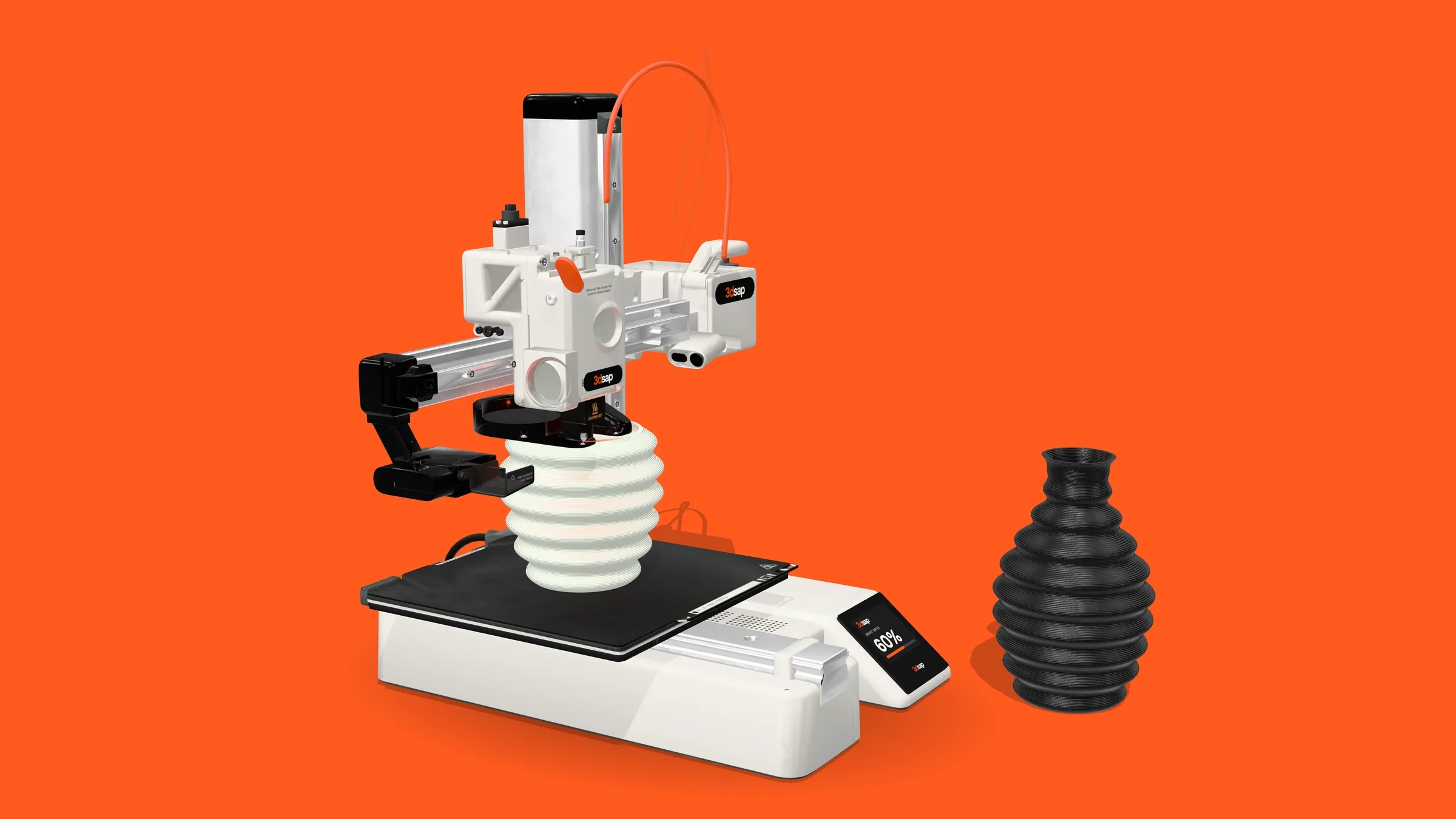
The slicer sets the walls and layers, and the printer lays them down line by line. Whether a 3D printed vase holds water depends mostly on the walls and the seam.
Read the article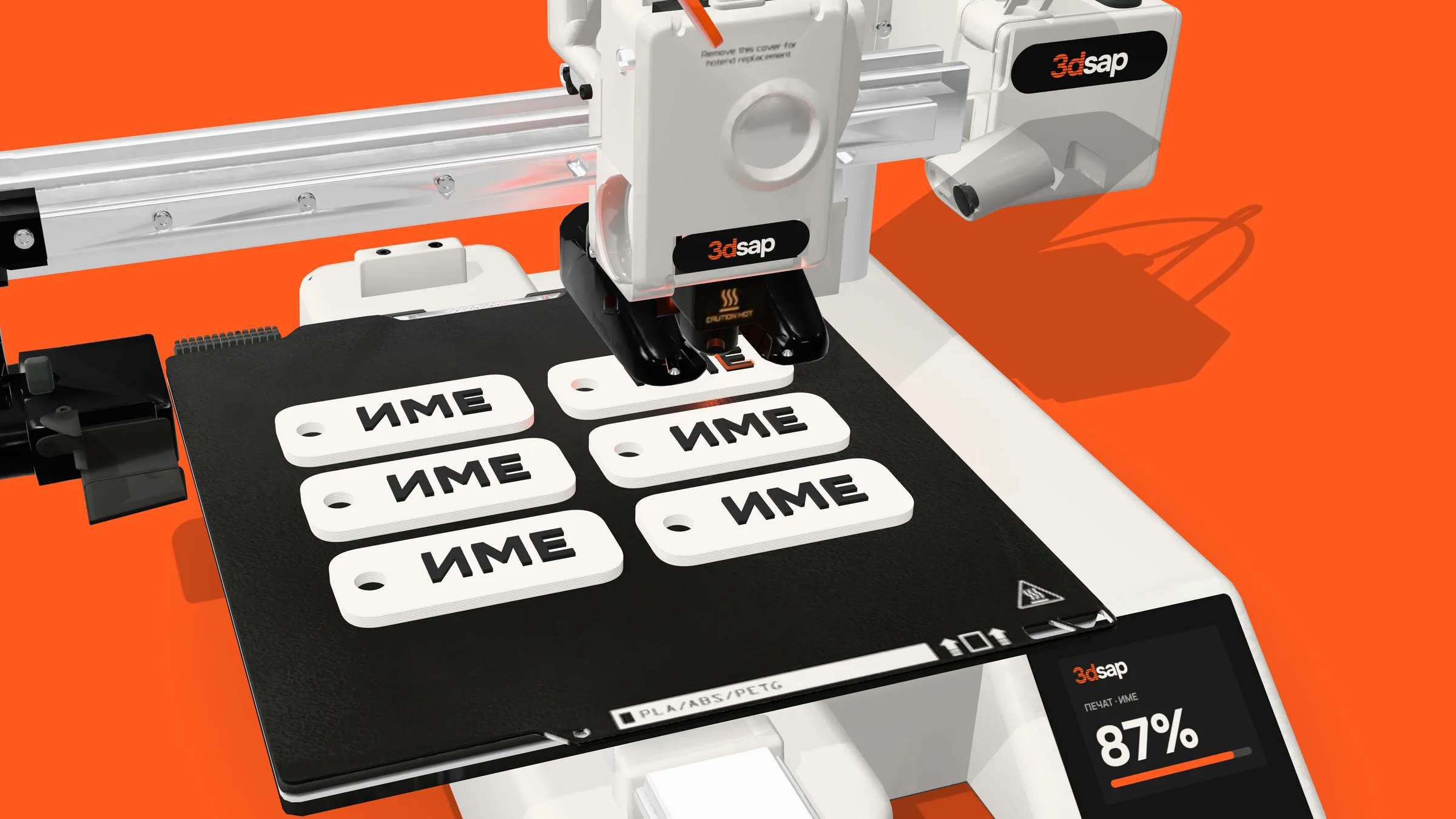
A name in Cyrillic, up to 4 colors in one piece. How the A1 mini with the AMS lite switches colors, which material lasts outdoors and in a car, and what to send us for a quote.
Read the article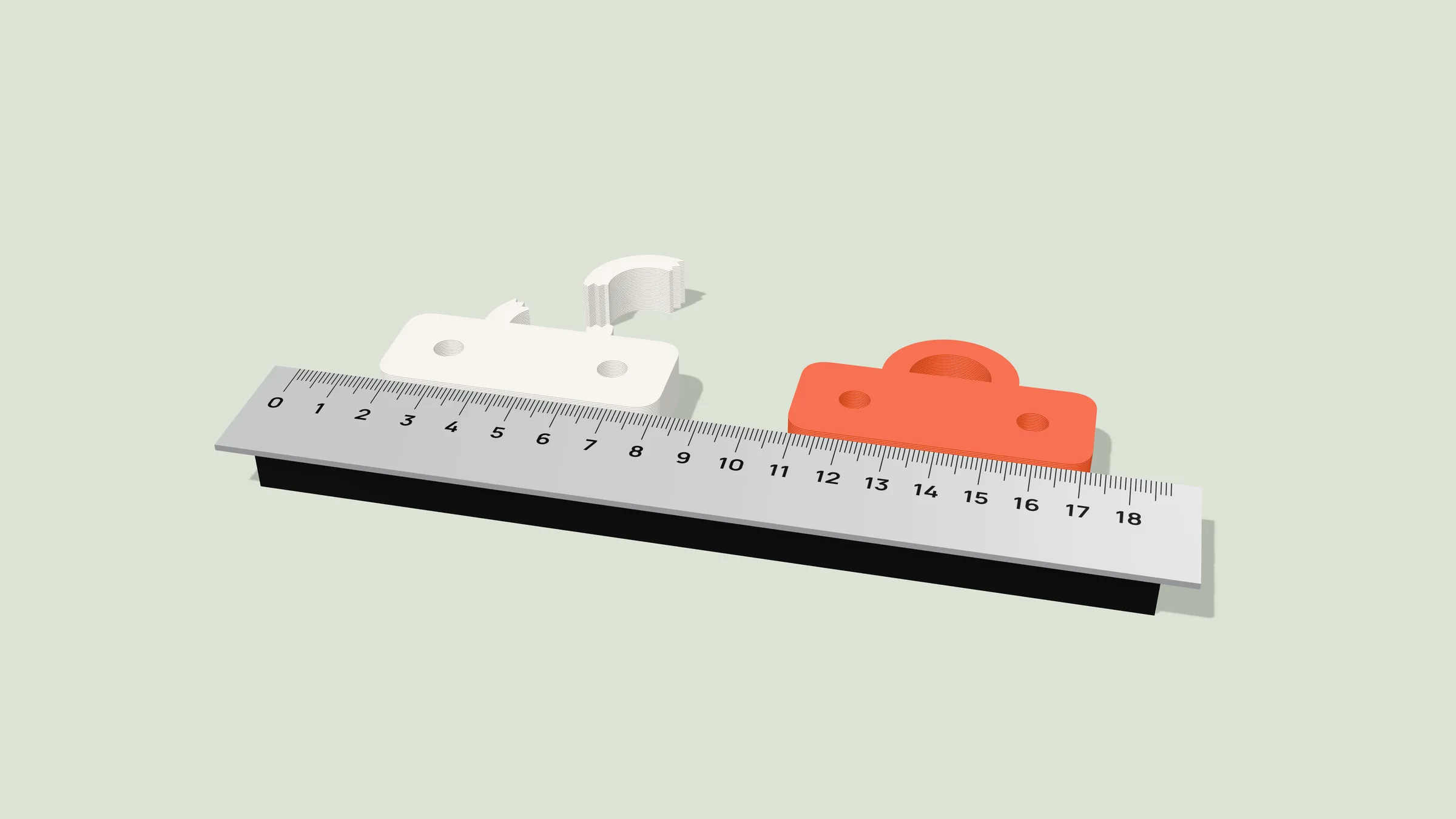
A printer works from a 3D file, not a photo. Three ways to get one for your broken part: find a ready-made model, design a simple one in free software or hire a designer, plus what to measure so it fits.
Read the article